


For many wedding stationers, Adobe feels like a hurdle you’re meant to get over, but no one ever really shows you how.
You open Illustrator with good intentions, then end up second-guessing every click. You know what you want the design to look like, but translating that idea into something clean, balanced, and print-ready feels frustratingly out of reach.
That’s not because you’re “not technical enough”.
It’s because most Adobe courses aren’t built for what you actually need.
Adobe Fundamentals was created specifically for wedding stationers and invitation designers – not general graphic designers, not marketers, and not people designing logos or social posts.
We teach Adobe through real stationery use cases, focusing on the tools, workflows, and decisions that matter when you’re creating invitations that need to be clear, considered, and beautiful.
INTRODUCING:
ADOBE FUNDAMENTALS
Creative Confidence, Unlocked 🔓
Learn Adobe the way wedding stationers actually need it – calmly, clearly, and without overwhelm.
Adobe Fundamentals is a confidence-building foundation in Adobe Illustrator, InDesign and Photoshop, taught specifically through the lens of wedding stationery and invitation design.
Whether you’re moving beyond Canva, refining your skills as a self-taught designer, or ready to work more professionally, this course helps you use Adobe properly – so your ideas translate into polished, considered designs.
DOORS RE-OPEN IN AUTUMN ‘26
Join the waitlist here:
From intimidation to confidence…
without gatekeeping
We’re stationers ourselves. We use Adobe every single day in our own businesses, and we know exactly where the sticking points are… because we’ve been there.
This course doesn’t assume prior knowledge.
It doesn’t rush you.
And it doesn’t overwhelm you with features you’ll never touch.
Instead, it gives you a calm, structured foundation so you can stop guessing – and start designing with confidence.
Once you understand why Adobe works the way it does, everything clicks into place.
And that’s when your creativity really opens up.
WANT TO KNOW A BIT MORE?
Sign up to our FREE two day MASTERCLASS
AUTUMN 2026
Where we open up the core Adobe Creative Cloud apps live onscreen and walk you through how we use them day in, day out in our stationery businesses.


That hallelujah moment
There’s a moment when Adobe stops feeling intimidating and starts making sense.
It’s when the tools begin to behave, your workflow feels calmer, and you realise you’re no longer guessing your way through each step – you actually understand what you’re doing.
That’s the hallelujah moment.
Not because you suddenly know everything, but because the foundations are finally in place.
Adobe Fundamentals is designed to get you there.
We’ll guide you through the tools and processes that matter most for stationery design, helping you move from tentative clicks to confident decisions – without overwhelm, and without gatekeeping.
You don’t need to master Adobe overnight.
You just need the right starting point.
And once it clicks, everything else follows.
Does this sound like you?
You have strong ideas, but translating them into polished, professional designs in Adobe feels harder than it should.
You’re self-taught (or Canva-taught) and know there are gaps in your technical foundations.
You want to design invitations that feel considered and well-resolved – not “good enough after lots of tweaking”.
You second-guess your file setup, spacing, or export settings, especially when it comes to print.
You’d love to work more efficiently in Adobe, rather than fumbling your way through each project.
You’re ready to move beyond templates and create work that genuinely reflects your style and taste.
If any of this feels familiar, you’re not behind, you’ve just never been taught Adobe in a way that makes sense for stationery design.
(no more ghosting your artboards!)

YOU MAY start at opacity 40%.
By the end, you’ll be full brightness.
Confident digital design is a core part of being a skilled, professional wedding stationery designer – but with so many programmes, tools, and functions available, it’s not always obvious where to begin.
Adobe Fundamentals was created for stationers, by stationers, focusing on the Adobe features that actually matter when you’re designing invitations and wedding stationery – not everything Adobe can do, but what you need it to do.
With over 20 years’ collective experience in the wedding industry, and even longer working with Adobe Creative Suite, we teach best-practice foundations that give you clarity, confidence, and control, without overwhelm.
There’s no one “right” way to design stationery.
Instead, you’ll learn how to use Adobe properly so you can develop and refine your own design style, build a clear niche, and create work that feels intentional and professionally resolved.
Along the way, you’ll also become part of a supportive community of like-minded stationers, all learning, growing, and strengthening their businesses together.
Because learning is easier when you’re not doing it alone.
I’M FREYA
YOUR HOST FOR ADOBE FUNDAMENTALS
( & the ‘Eddie’ of the Suite Press Duo)
If we haven’t met before, hello my lovelies, it’s fabulous to virtually meet you. I can’t wait to get to know more about you and your creative process over the next 10 weeks.
Adobe Fundamentals was born out of pure passion, and a desire to take my 20+ years of design know-how and turn it into something that actually helps you cut through the noise.
Because we’ve been there.
The endless tutorials.
The guesswork.
The “why won’t this layer behave?” moments.
Consider this your shortcut.
I’ve spent years designing stationery primarily for digital printing, which means Adobe Illustrator is central to my day-to-day work. I use it expansively – building artwork, layouts, patterns, and presentation documents that need to be flexible, efficient, and technically sound.
Alongside this, you’ll benefit from Grania’s deep expertise in traditional print methods, including letterpress and hot foil, where precision, file setup, and an understanding of how artwork behaves on press really matter.
Together, that means you’re learning Adobe from both sides of print – digital workflows and traditional production realities.
Each week, you’ll add a new layer – of skill, confidence, and clarity – until your creative toolkit is richer than ever. And by the end?
You’ll be ready to shine as the design pro your stationery business deserves.
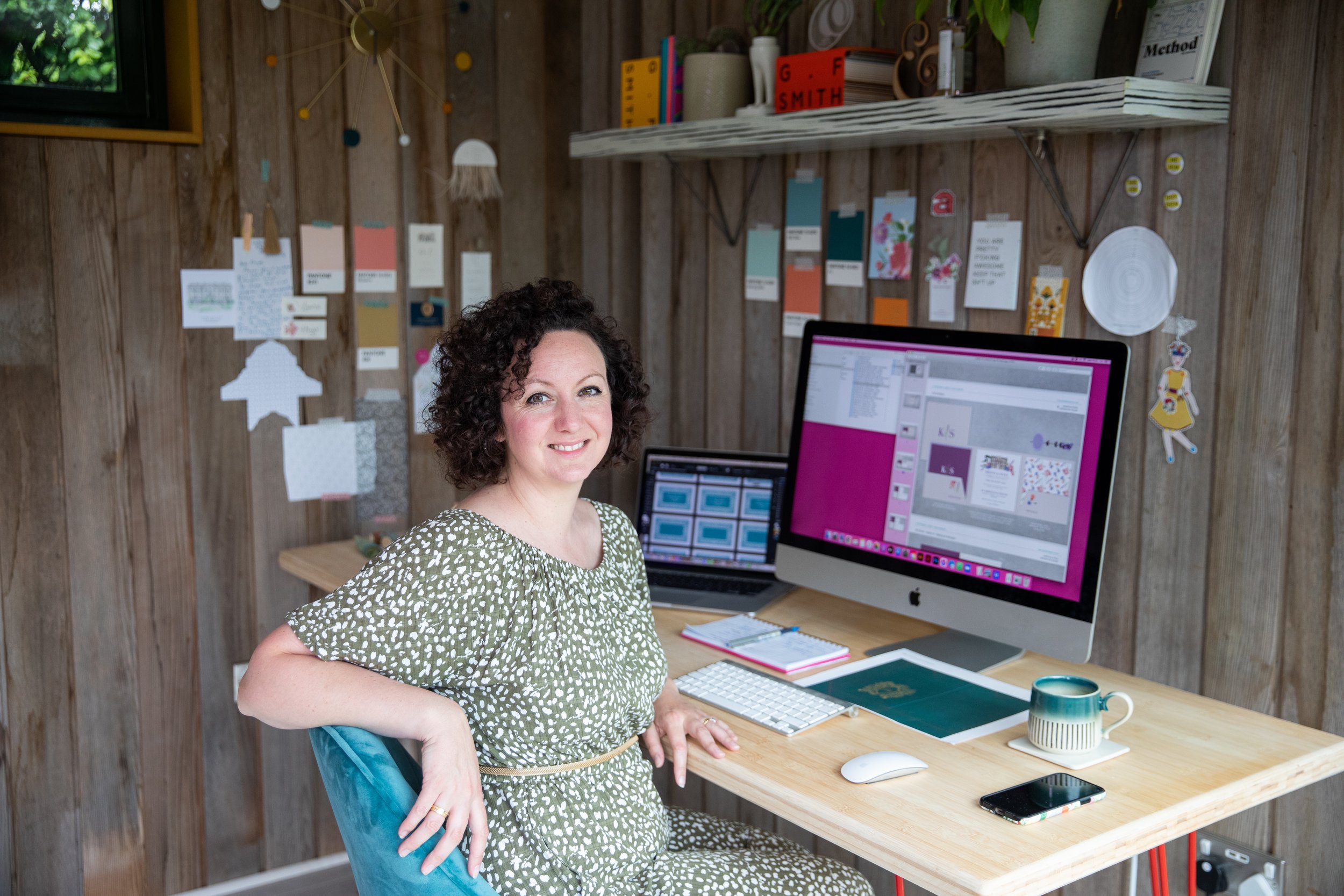
Over the duration of this 10-module course, we’ll share the same Adobe workflows we use every week in our own stationery businesses – from clean vector artwork, to type handling, to print-ready export.
The goal isn’t to learn everything Adobe can do.
It’s to learn what actually matters when you’re designing invitations and wedding stationery – so you can work more efficiently, feel more confident, and produce professional files you trust.
Between us, we bring over 20 years of experience in the wedding industry, and even longer working hands-on with Adobe Creative Suite. These aren’t theoretical processes – they’re the foundations that have supported multiple creative businesses through real client work, real deadlines, and real life.
Fewer late-night Googles.
Fewer “why is this doing that?” moments.
And far more “ohhh… I get it now”.

what awaits you…
Adobe Fundamentals is designed to support you properly – not just while you’re working through the modules, but long after the course has finished.
Here’s what’s included:
-

A clear, confidence-building Adobe foundation
You’ll work through 10 carefully structured modules that teach Adobe in a way that makes sense for wedding stationery design – focusing on the tools, workflows, and decisions that actually matter.
Concepts are introduced calmly and clearly, with no assumed knowledge, so you can build solid foundations and trust what you’re doing from the start.
No rushing. No overwhelm. Just clarity, layer by layer.
-

Support that helps things click
You’ll have lifetime access to the course content, along with regular live Q&A sessions where you can ask questions, get unstuck, and sense-check your work.
Bring your real sticking points – type, spacing, artboards, export settings – and we’ll talk them through with you. This is often where confidence shifts from tentative to assured.
Because learning Adobe shouldn’t feel like a solo sport.
-

A calm, focused community of fellow stationers
You’ll be learning alongside other wedding stationers who are building skills, refining their work, and strengthening their businesses.
The course community is an intentional space for shared learning and encouragement – somewhere to ask questions, celebrate progress, and remember that you’re not figuring this out in isolation.
Confidence grows faster when you’re supported.
What people are saying
-

“Freya, thank you. I am so proud I made this look so good!”
KATE
-

Thank you so much! I can’t believe I didn’t know how to use this program a few weeks ago and now I couldn’t live without it. It’s doubled my work speed! x
CHLOE
-
“Adobe Fundamental student here. I 100% recommend this course. It is of great value especially if you are just starting out in the designing part.”
APOORVA
-

“This has been so helpful thank you! I've felt intimidated by adobe for quite a while and this has been great”
EMILY

What YOU’LL GET inside adobe fundamentals
10 weekly modules, guiding you step by step through Adobe fundamentals for stationery design
Over 50 bite-sized tutorials, designed to be practical, clear, and easy to revisit
Seven hands-on activities to help you actively apply what you’re learning
Two implementation weeks, giving you space to practise and consolidate your skills
Live Q&A sessions and access to a private course community for support and reassurance
Lifetime access to all course content
Access to the Members’ Lounge, with additional resources and updates
Plus, a set of practical bonuses:
Handy paper and envelope size guide
Serif & sans serif font poster guides
Create-your-own brush pattern tutorial
How to integrate Excel data to personalise individual invitations
Earlybird bonus
The first three people to sign up will also receive a 60-minute one-to-one mentoring session with Freya. Use it to troubleshoot a sticking point, sense-check your workflow, or get personalised guidance as you begin.
THE SKILLS YOU WILL GAIN
Below, you’ll find a closer look at each module, so you can see exactly how your skills and confidence build over the duration of the course.
Module 1: Getting started the right way
Learn to confidently navigate the Adobe Illustrator interface, create artboards, and set up grids, guides, and layers that support an efficient design process.
Strong foundations here make everything else easier.
Module 2: Objects
Work with Illustrator’s basic shapes, strokes, fills, selection tools, alignment, and grouping. You’ll learn how combining objects can create beautifully resolved designs with minimal effort.
This is where Illustrator starts to feel powerful rather than fiddly.
Module 3: Vector paths
Become confident using the pen tool, creating curves with anchor points, editing paths, offsetting shapes, and working with brushes.
Includes a bonus homework activity so you can practise and embed these skills.
Clean vector paths are the backbone of professional stationery design.
Module 4: Appearance
Create thoughtful colour palettes and explore filters and effects, including gradients, to build polished, client-facing visuals.
Subtle choices here make a big difference to perceived quality.
Module 5: Type
Learn how to work confidently with type in Illustrator – including fonts, formatting, paragraph and character styles, kerning, leading, and best practice for stationery design.
Includes a bonus homework activity so you can practise your new skills.
Strong typography elevates everything.
Module 6: Using external artwork
Learn how to import and work with external artwork, such as illustrations, to enhance your designs. You’ll explore masks, opacity, and live trace tools.
Includes a bonus homework activity so you can practise your new skills.
This opens up creative possibilities without losing control.
Module 7: Pattern
Create basic repeat patterns, design bespoke pattern swatches, and explore symmetrical drawing tools within Illustrator.
Includes a bonus homework activity so you can practise your new skills.
Perfect for envelope linings, backgrounds, and decorative details.
Module 8: Artboards & projects
Learn the two main approaches to creating a digital stationery suite – working with singular artboards for print, and presentation-style documents for client-facing visuals.
Includes a bonus homework activity so you can practise your new skills.
This is where your work starts to feel cohesive and professional.
Module 9: The biggy!
Bring everything together from the previous modules to create a complete stationery suite suitable for digital print.
This is where confidence, clarity, and capability really click.
Module 10: Export / print-ready
Learn how to correctly set up and export design files for digital print, with confidence that what you specify on screen is what will be delivered in print.
No more crossed fingers. No more last-minute panic.
This module brings everything together, giving you the knowledge to prepare files you feel comfortable sending to printers and suppliers.
BONUS RESOURCES
Alongside the core course content, you’ll also receive a small collection of practical resources designed to support real stationery work:
Handy paper and envelope size guide
Serif and sans serif font poster guides
Create-your-own brush pattern tutorial
How to integrate Excel data to personalise individual artwork tutorial
These are tools you’ll return to again and again.

FAQs
Who is this course for?
Adobe Fundamentals is for anyone looking to build confidence in digital design – whether you’re just starting out, self-taught, or ready to strengthen your technical foundations.
You don’t need to have launched your business yet, and no prior Adobe experience is required.
This course meets you where you are.
Which Adobe programmes does the course cover?
The primary focus is Adobe Illustrator, as this is the core tool for professional invitation and stationery design. There are also light touches of InDesign and Photoshop where relevant.
Illustrator is the lynchpin – and where most of your confidence gains will come from.
What if I can’t keep up or need to take a break?
That’s absolutely fine. Because all content is available from the start, you can pause, revisit, and return to lessons whenever you need.
This course is designed to fit around real life – not compete with it.
Will you be running this course again?
Adobe Fundamentals runs twice a year. If enrolment is currently closed, we recommend joining the waitlist to be the first to hear when doors reopen.
Will I get support if I’m stuck?
Yes. You’ll have access to live Q&A sessions and a private course community where you can ask questions, sense-check your work, and get reassurance as you go.
You’re never left to figure things out alone.
Is there an earlybird bonus?
Yes. The first three people to sign up will receive a 60-minute one-to-one mentoring session with Freya, offering personalised guidance and support as you begin.
How long does the course take?
The course runs over 10 weekly modules, with two additional implementation weeks built in to help you practise and consolidate what you’ve learned.
All content is available immediately, and you’ll have lifetime access, so you can move through the course at a pace that works for you.
Will I get support if I’m stuck?
Yes. You’ll have access to live Q&A sessions and a private course community where you can ask questions, sense-check your work, and get reassurance as you go.
You’re never left to figure things out alone.
Can I get a refund?
As Adobe Fundamentals is a digital course with immediate access to content, refunds are not available.
If you have any questions before enrolling, you’re very welcome to email us at hello@suitepress.co.uk – we’re always happy to help.

Ready when you are
You don’t need to feel like an expert to begin.
Adobe Fundamentals is designed to help you build confidence steadily, layer by layer – giving you the technical foundations to design with intention, clarity, and calm.
If you’re ready to stop second-guessing and start trusting what you’re creating, this is where that shift begins.